Docs / Get Started
Open your music
Three ways in. Whichever you use, new tracks join the playlist and playback starts from the first one you added.
Three ways to open tracks
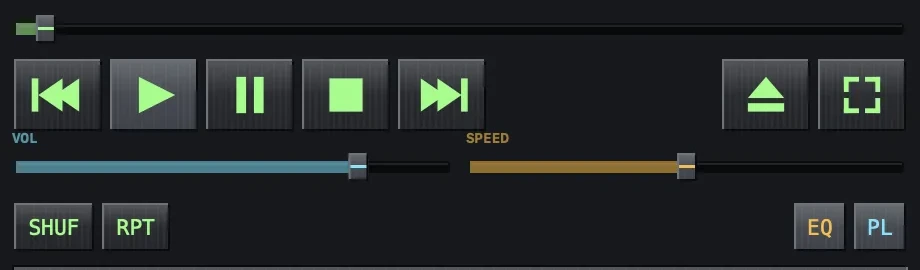
- The open panel — press ⌘O or click the ⏏ eject button next to the transport. Select any number of files.
- Drag & drop — drop audio files onto the player window, the playlist, or the MACSONG icon in the Dock.
- From Finder — right-click a track → Open With → MACSONG. Works with a multi-selection too.
Make MACSONG the default player: in Finder select a track →
Get Info → “Open with” → MACSONG → Change All… From then on, double-clicking
that file type opens MACSONG.
Supported formats
| Audio | MP3 · AAC / M4A · MP4 audio · FLAC · WAV · AIFF / AIFC · CAF |
|---|---|
| Playlists | M3U · M3U8 · PLS — see Playlist |
What happens next
Opened tracks are appended to the playlist and the first new track starts playing. Your queue, position, and settings survive relaunch — see Session restore.